
🧩 Introduction
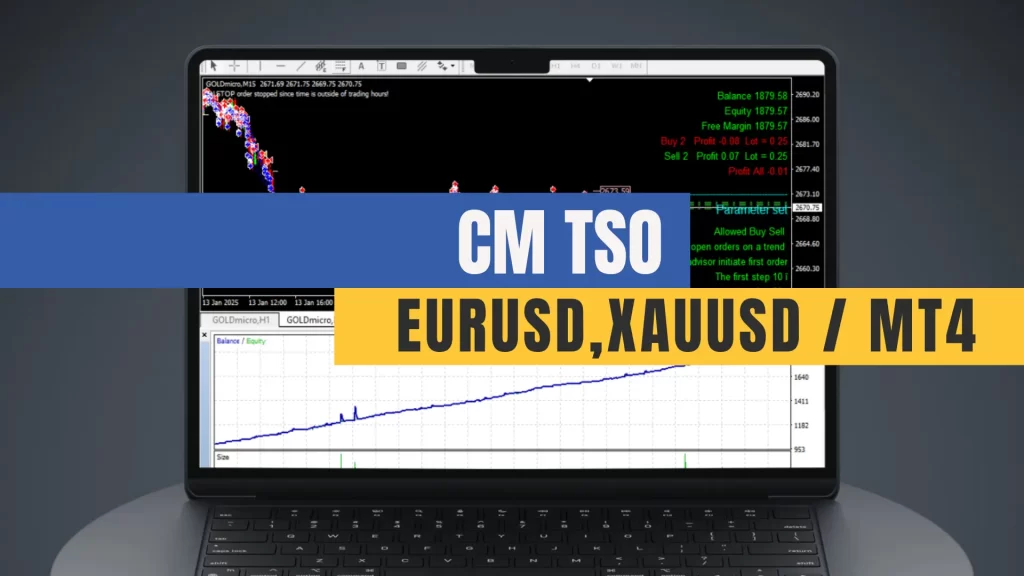
If you’re searching for a reliable EA download free, look no further than CM TSO (CM TrailingStopOrders) – a automated trading system designed for MetaTrader 4. CM TSO is ideal for traders who want control, flexibility, and intelligent order management without the high price tag. This free EA is a great tool for both beginners testing new strategies and experienced traders looking to automate part of their system.
📊 Trading Strategy Overview
CM TSO uses a unique “crawling grid” strategy based on trailing pending orders. The EA places both Buy Stop and Sell Stop orders at a certain distance from the current market price. Once one side is triggered, the other side begins trailing price movements. If the market reverses, the trailing order activates, allowing trades in the opposite direction.
This method enables dynamic response to price swings, reduces emotional decision-making, and creates consistent opportunities in both trending and ranging markets.

⚙️ Key Features
- Trailing Pending Orders
Dynamically follow price action using trailing Buy/Sell Stop orders. Choose from multiple trailing methods: candlestick-based, fractal-based, or fixed-point trailing. - Two-Way Trading System
Capture profits in both market directions with minimal manual input. - Indicator Integration
Filter trades using technical indicators such as RSI for more precise entries. - Full Customization
Modify lot sizes, order spacing, entry filters, and exit rules to match your trading style. - Compatible Pairs
Optimized for currency pairs like EURUSD, AUDUSD, USDCHF, AUDCAD AND XAUUSD (recommended on M15 timeframe).

⚠️ Precautions & Recommendations
- Avoid High-Impact News Events
Although CM TSO can handle volatility, it’s recommended to disable trading during major economic announcements unless configured to filter them. - Choose the Right Broker
Use a broker that supports fast order execution, low spreads, and allows for multiple pending orders to ensure the EA runs smoothly. - Balance Risk Management
While the system can perform well over time, inappropriate lot sizing or poor risk control may result in unnecessary drawdowns. Always backtest and forward-test first.
✅ Important Usage Tips
- Start with a Demo Account
Always test the EA on a demo environment to fine-tune the settings and observe its behavior before moving to a live account. - Use VPS for 24/5 Trading
To ensure the EA works without interruption, consider hosting your platform on a reliable VPS. - Monitor Margin and Equity Levels
Although CM TSO is designed to manage orders smartly, having a good buffer of free margin will prevent margin calls during market spikes.


If you find this useful, don’t forget to save it and share with your friends!

