
Expert Advisor (EA) in Forex?
A Beginner’s Guide
In the fast-paced world of Forex trading, traders are constantly seeking ways to improve accuracy, efficiency, and profitability. One of the most powerful tools available to modern traders is the Expert Advisor, commonly referred to as an EA. If you're new to Forex or considering automation, this comprehensive beginner's guide will explain what an EA is, how it works, and how you can begin using one effectively.
What Is an EA in Forex?
An Expert Advisor (EA) is a software program that is designed to automate trading operations in the MetaTrader 4 (MT4) or MetaTrader 5 (MT5) platforms. EAs are written in the MQL programming language (MQL4 or MQL5 depending on the platform) and can execute trades based on predefined trading strategies without manual intervention.
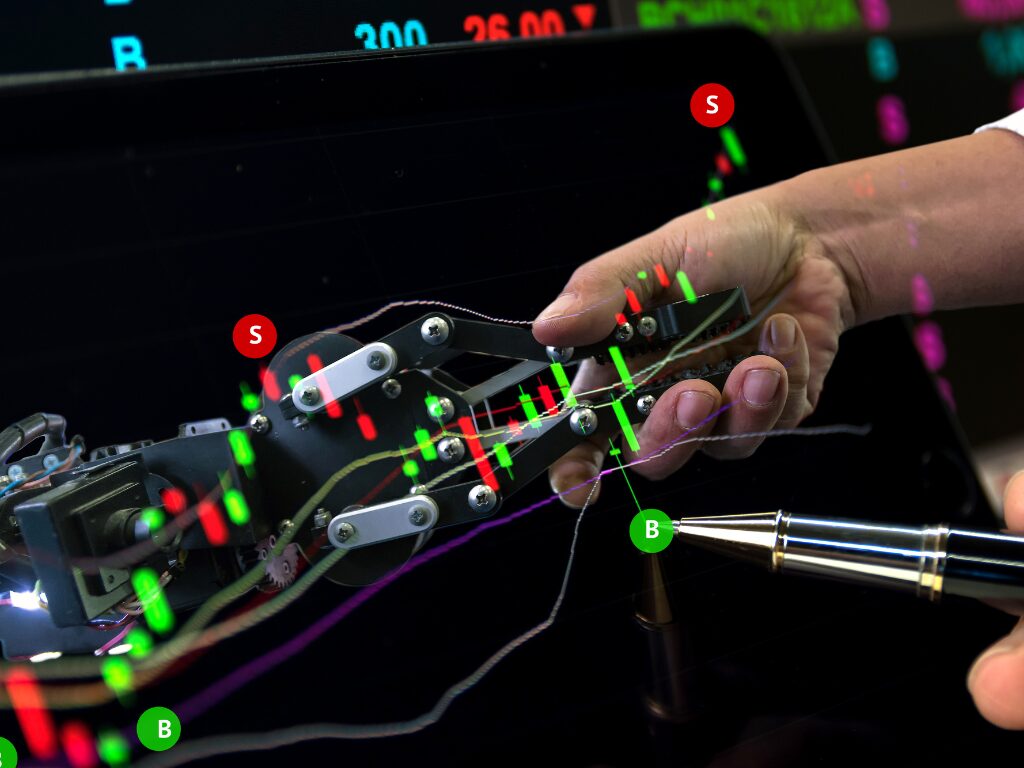
Simply put, EAs are trading robots.
They analyze the market, look for signals based on technical indicators, and place trades automatically when certain conditions are met. This eliminates emotional decision-making and allows traders to maintain a consistent strategy.
Key Features of an Expert Advisor
- Automated Trading: EAs can place, modify, and close trades automatically.
- 24/5 Operation: EAs can run continuously during market hours without sleep.
- Backtesting Capabilities: Traders can test strategies using historical data.
- Customizable Settings: Most EAs allow users to modify risk levels, lot sizes, indicators, and more.
- No Emotions: EAs follow logic, not feelings. Perfect for strict risk management.
How Does an EA Work?
EAs operate based on a set of rules coded by a developer. These rules typically include:
- Entry conditions (e.g., moving average crossover)
- Exit conditions (e.g., profit target or stop loss hit)
- Money management settings (e.g., fixed lot size or percentage risk per trade)
Once attached to a chart in MT4 or MT5, the EA starts monitoring market conditions. When all predefined conditions are met, it executes a trade.
Types of EAs in Forex Trading
There are many types of Expert Advisors, each designed with
specific strategies. Some of the most common include:
- Scalping EAs: Execute many small trades to profit from minimal price movements.
- Trend-Following EAs: Enter trades based on trend indicators like Moving Averages.
- Grid EAs: Place multiple buy/sell orders at set intervals to capitalize on market swings.
- Martingale EAs: Double the trade size after a loss, aiming to recover losses quickly.
- News Trading EAs: Trade based on major economic news releases.
Tip: Always test and monitor EAs in a demo account before going live.
Download EA's of interest
Benefits of Using an EA
- Time-Saving: EAs manage trades while you're sleeping or working.
- Consistency: Follows the same logic every time.
- Backtesting & Optimization: You can analyze and improve strategies before using real money.
- Multitasking: Use different EAs on different pairs simultaneously.
Risks and Considerations
While EAs offer many benefits, they are not foolproof.Consider the following: - Market Conditions Change: A strategy that works today might not work next month.
- Over-Optimization: Backtests can be misleading if parameters are overfit.
- Lack of Flexibility: EAs do not adapt to sudden news or unexpected events.
- Technical Issues: Platform crashes, internet disconnections, or VPS failures can cause problems.

How to Choose the Right EA
- Understand Your Goals: Are you looking for consistent returns or aggressive growth?
- Check the Strategy: Make sure the logic makes sense to you.
- Review Performance: Look at live results and verified MyFXBook links.
- Avoid Scams: Be wary of EAs that promise guaranteed profits.
- Test in Demo: Always run the EA in a demo account for at least 1-2 months.
Getting Started with an EA
- Install MetaTrader 4 or 5 from broker.
- Find an EA - either purchase one or download from a trusted source.
- Place the EA File into the 'Experts' folder inside MT4/MT5.
- Restart the Platform and attach the EA to a chart.
- Enable Auto Trading and adjust the settings as needed.
Final Thoughts
An Expert Advisor (EA) can be a game-changer in your Forex
journey. It offers automation, discipline, and the power to trade without being
emotionally involved. However, successful EA trading still requires a solid
understanding of Forex markets, risk management, and continuous testing.
Whether you're a total beginner or an experienced trader,
learning how to use an EA effectively can significantly boost your chances of
success. Start small, be cautious, and always stay informed.
An Expert Advisor (EA) can be a game-changer in your Forex journey. It offers automation, discipline, and the power to trade without being emotionally involved. However, successful EA trading still requires a solid understanding of Forex markets, risk management, and continuous testing.
Whether you're a total beginner or an experienced trader,
learning how to use an EA effectively can significantly boost your chances of
success. Start small, be cautious, and always stay informed.
If you find this useful, don’t forget to save it and share with your friends!

